How this site works
Eight screens, in the order you'd use them. They show the mock Kite account's sample data, not anyone's real holdings.
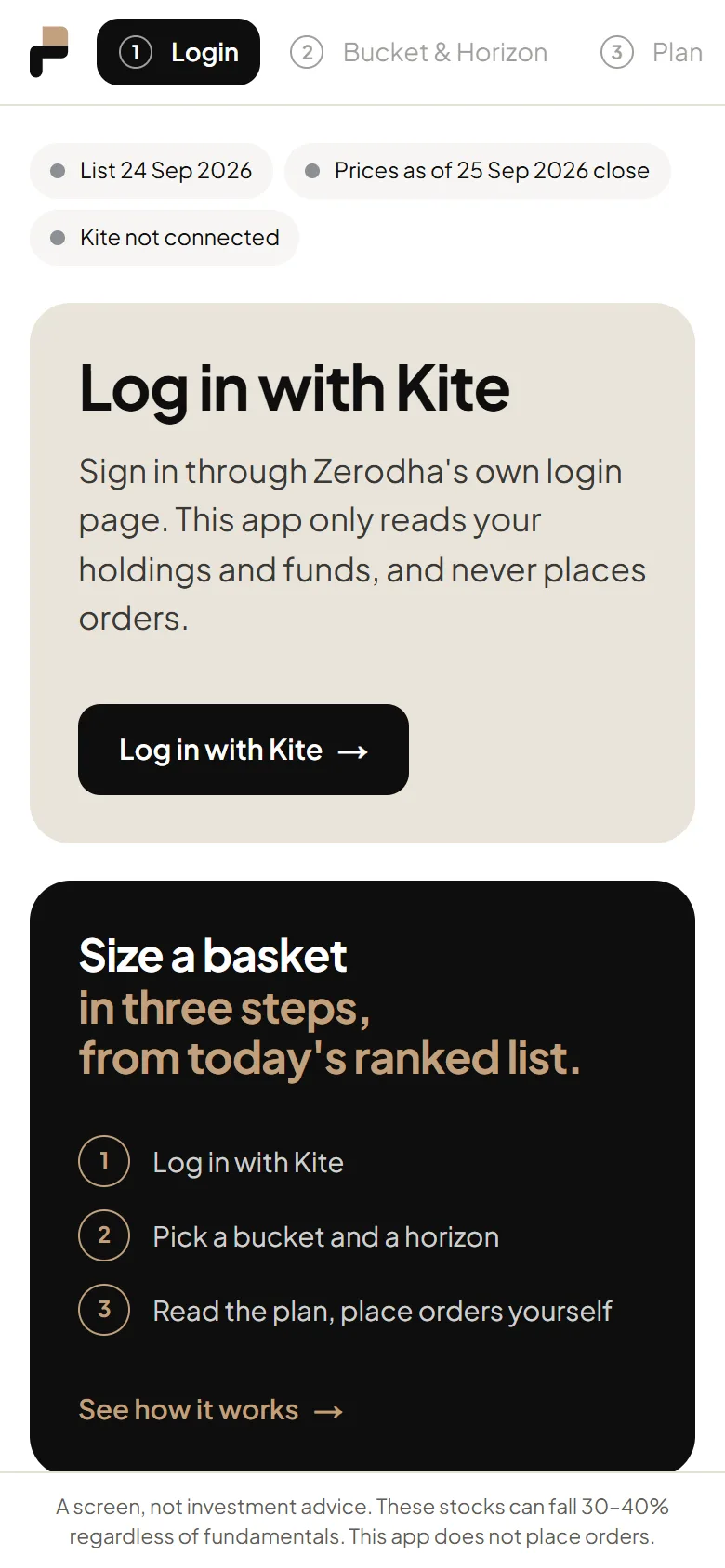 Step 1
Log in with Kite
Sign in on Zerodha's own page. The app only reads holdings and funds, and never places orders.
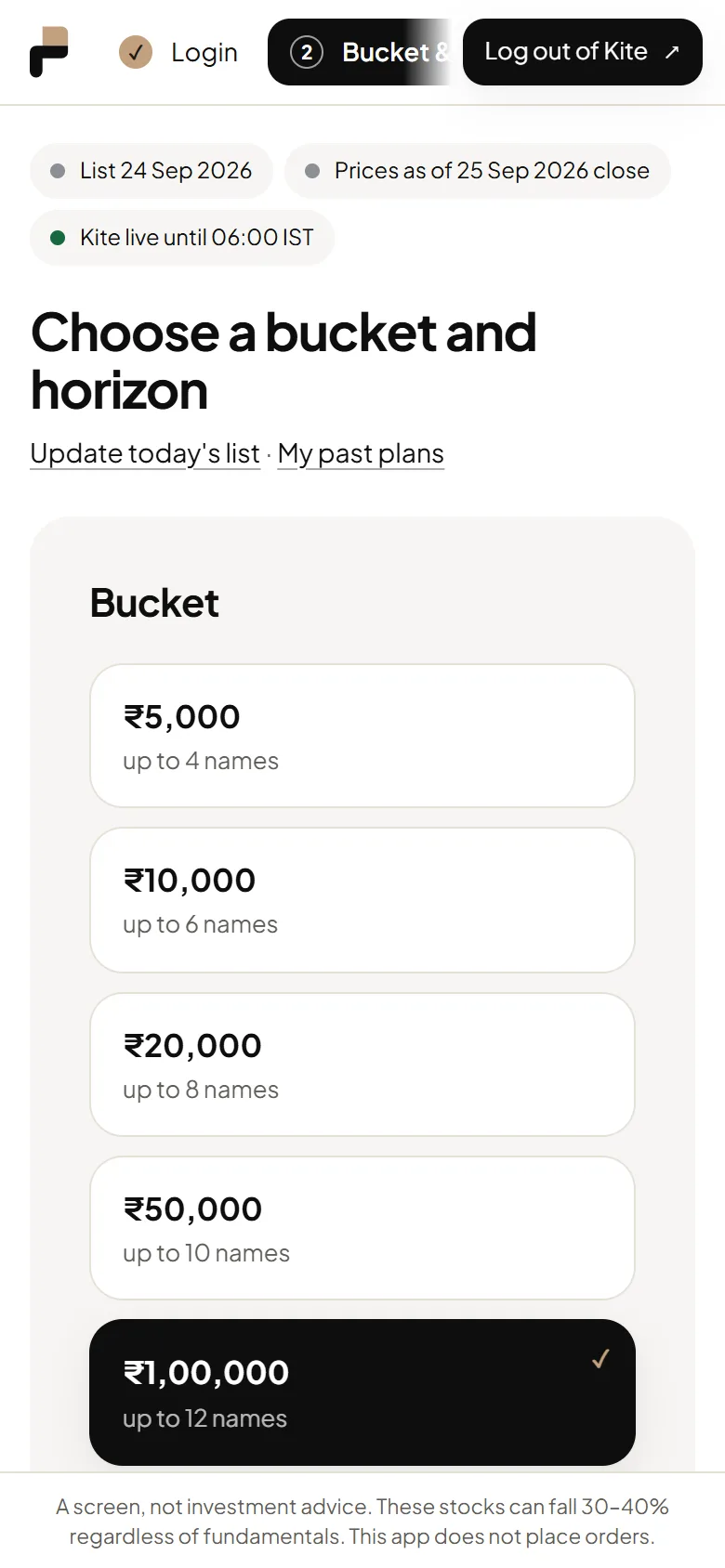 Step 2
Choose a bucket and horizon
Pick how much to plan for and a profit horizon. Horizons missing from today's list are greyed out.
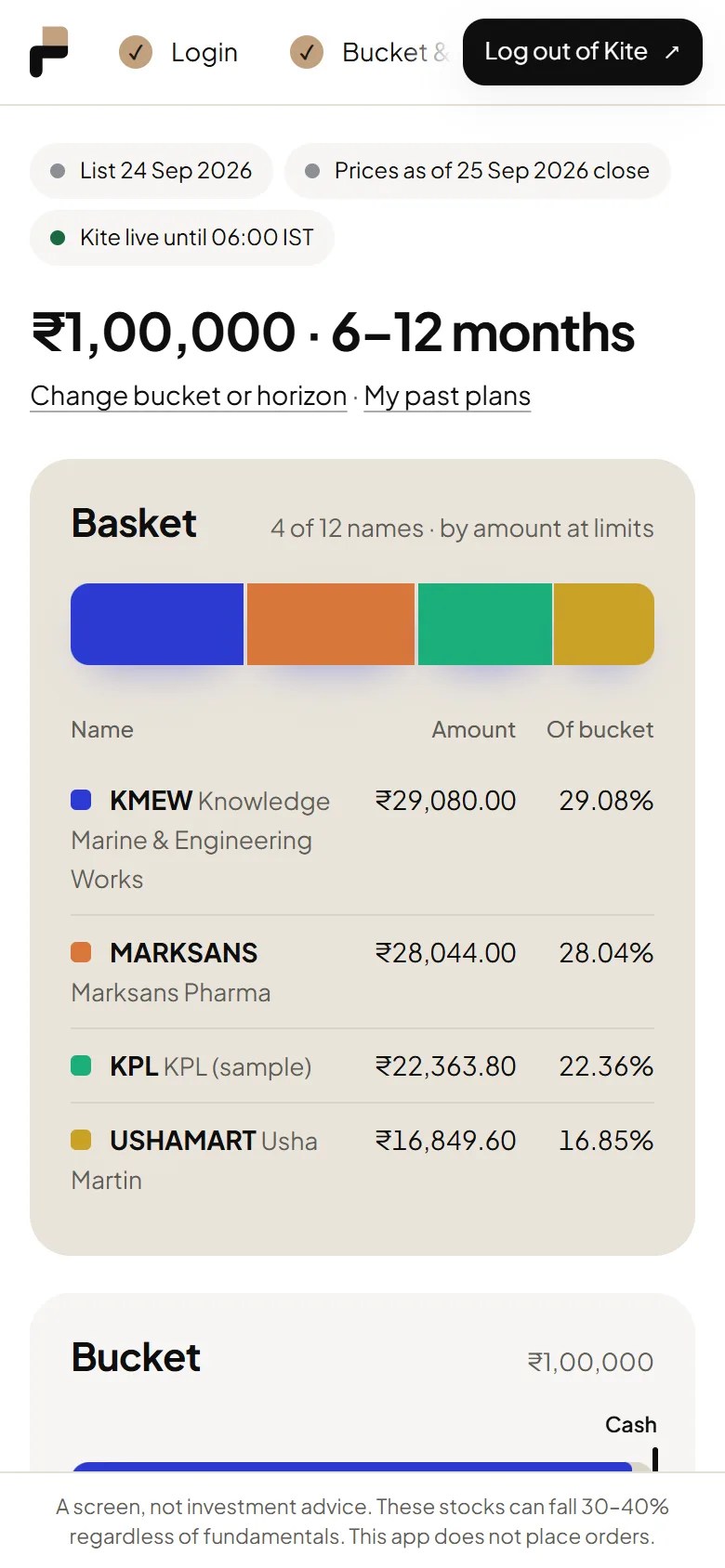 Step 3
The plan at a glance
Built from today's ranked list and NSE closes. The Basket card shows how the bucket splits across names.
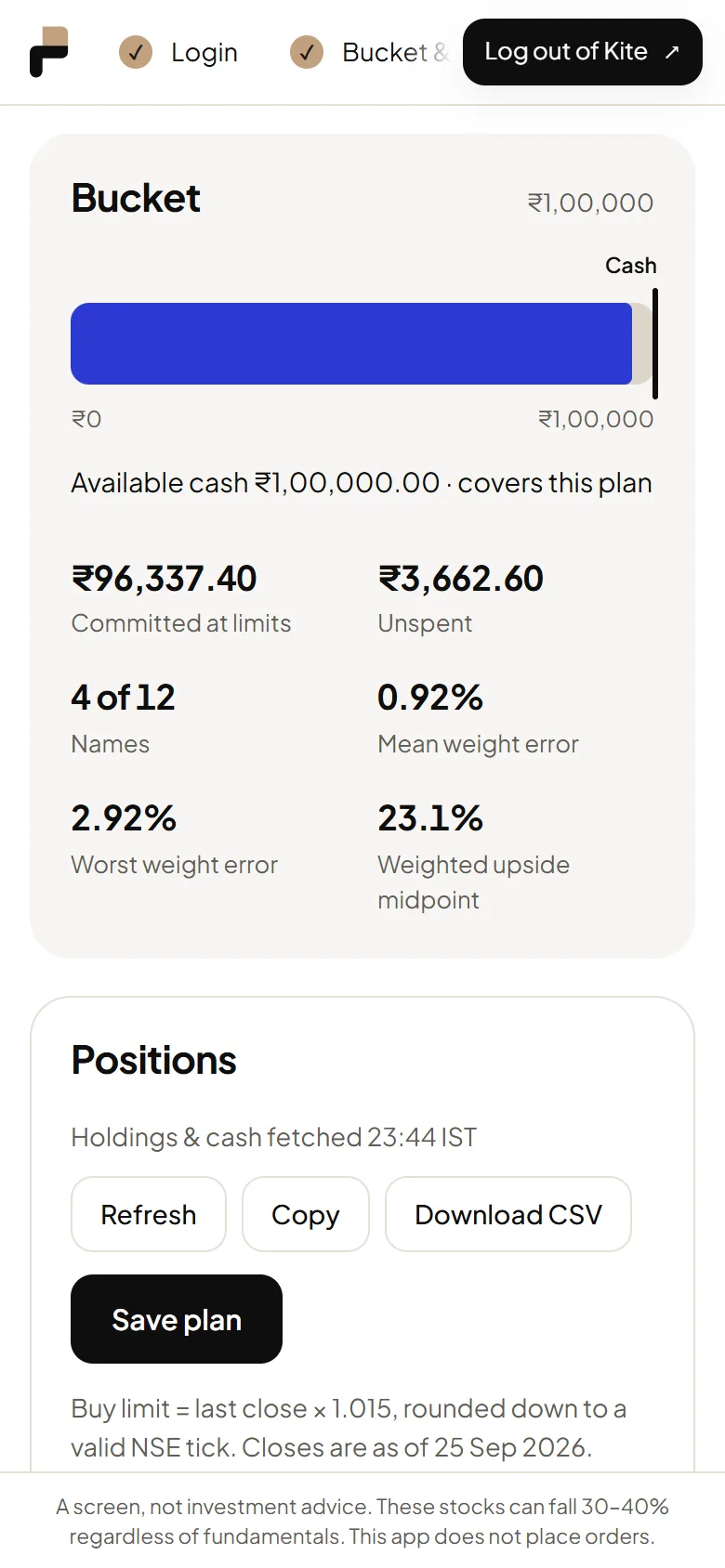 Step 4
Bucket, cash and totals
How much of the bucket is committed at limits, where your cash reaches, and the plan's key numbers.
 Step 5
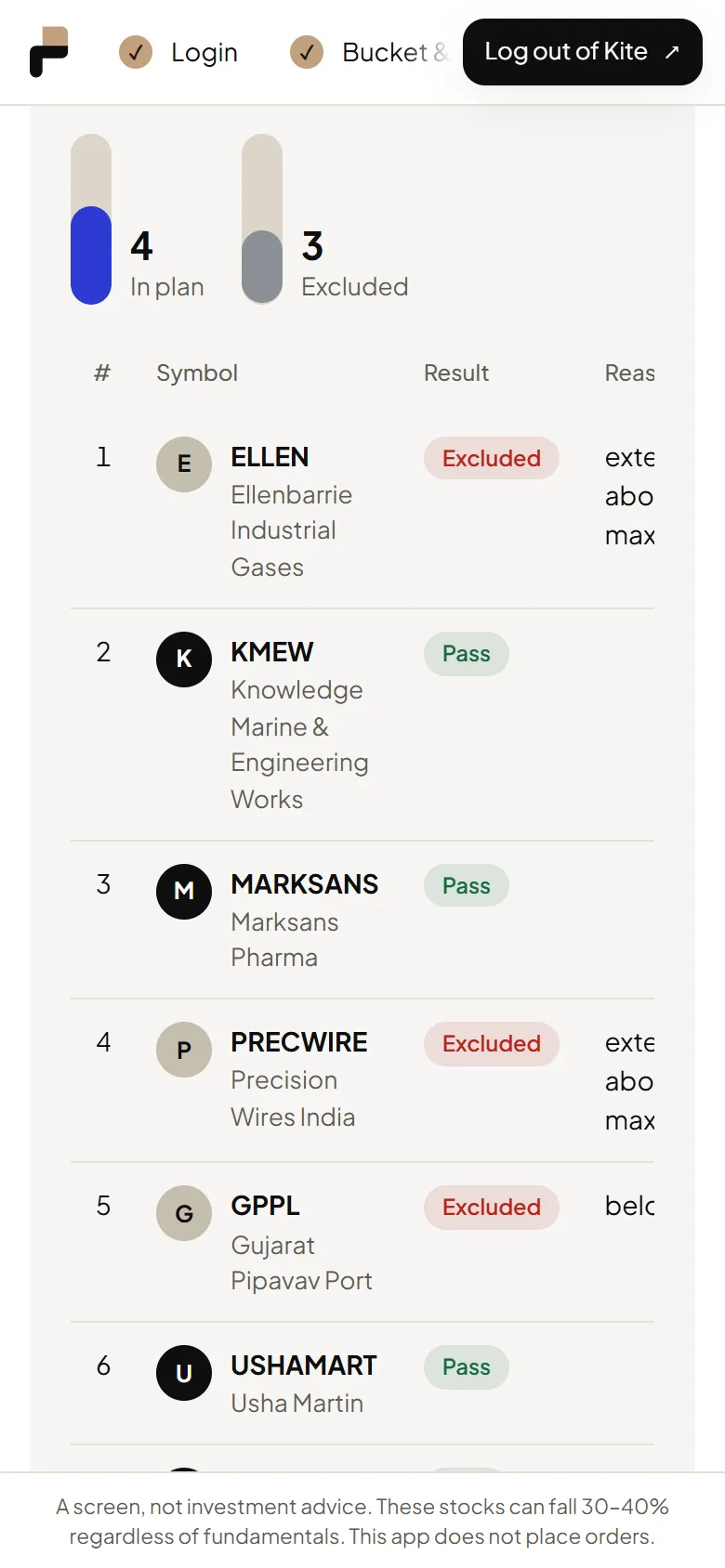
Checks for every candidate
The candidate funnel, then every candidate, pass or fail, with the numbers behind each decision.
 Step 6
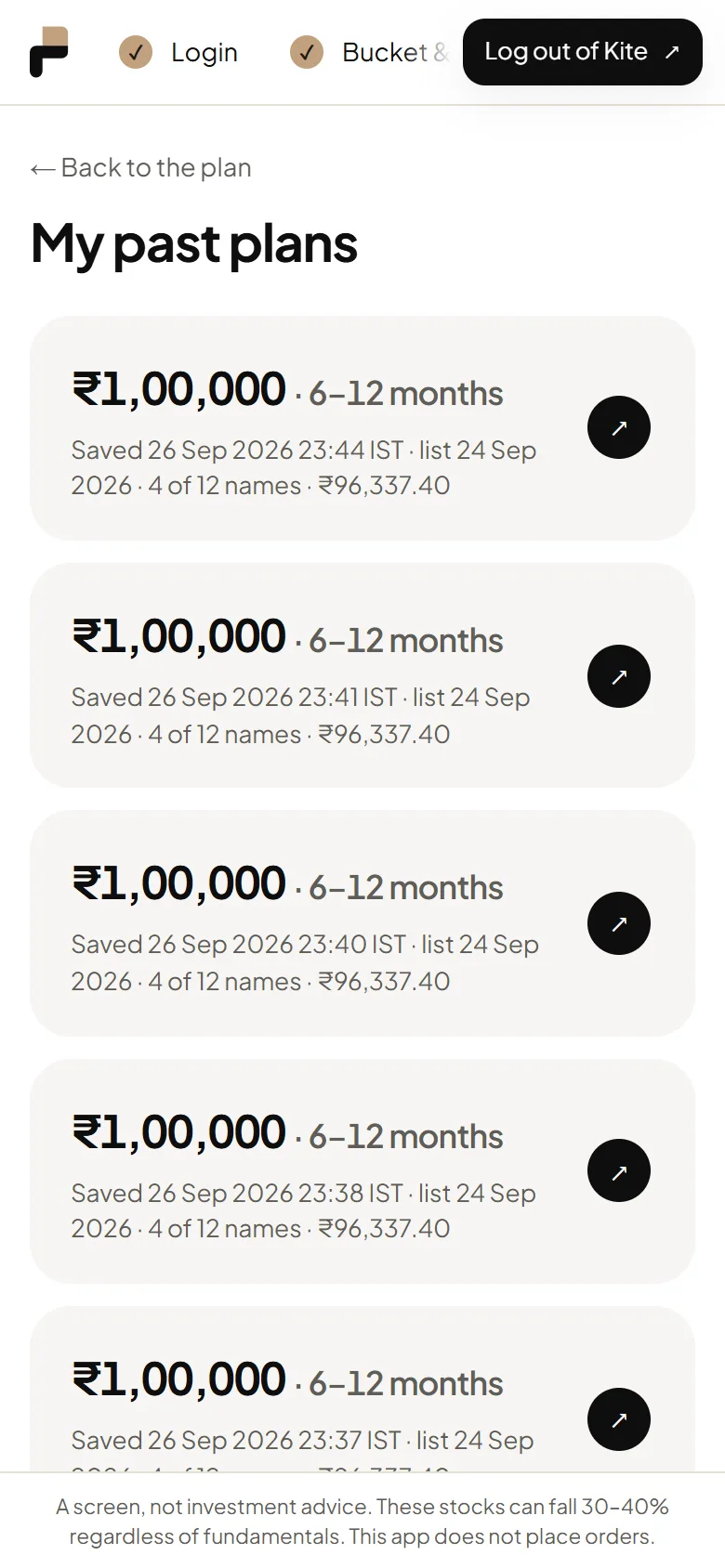
My past plans
Save plan keeps a snapshot. Every saved plan is listed here.
 Step 7
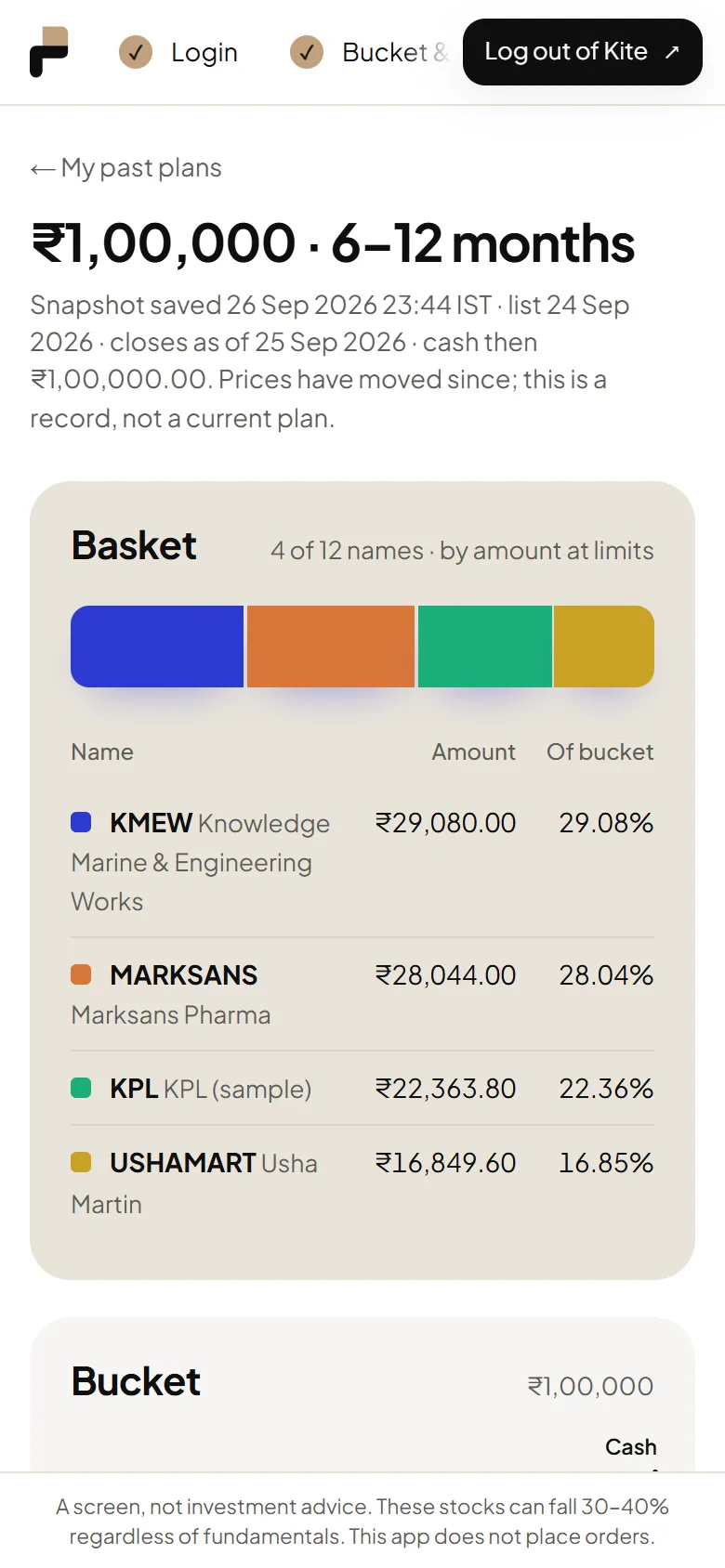
A saved plan
A read-only record of the plan as it was, with the same charts. No Kite calls.
 Step 8
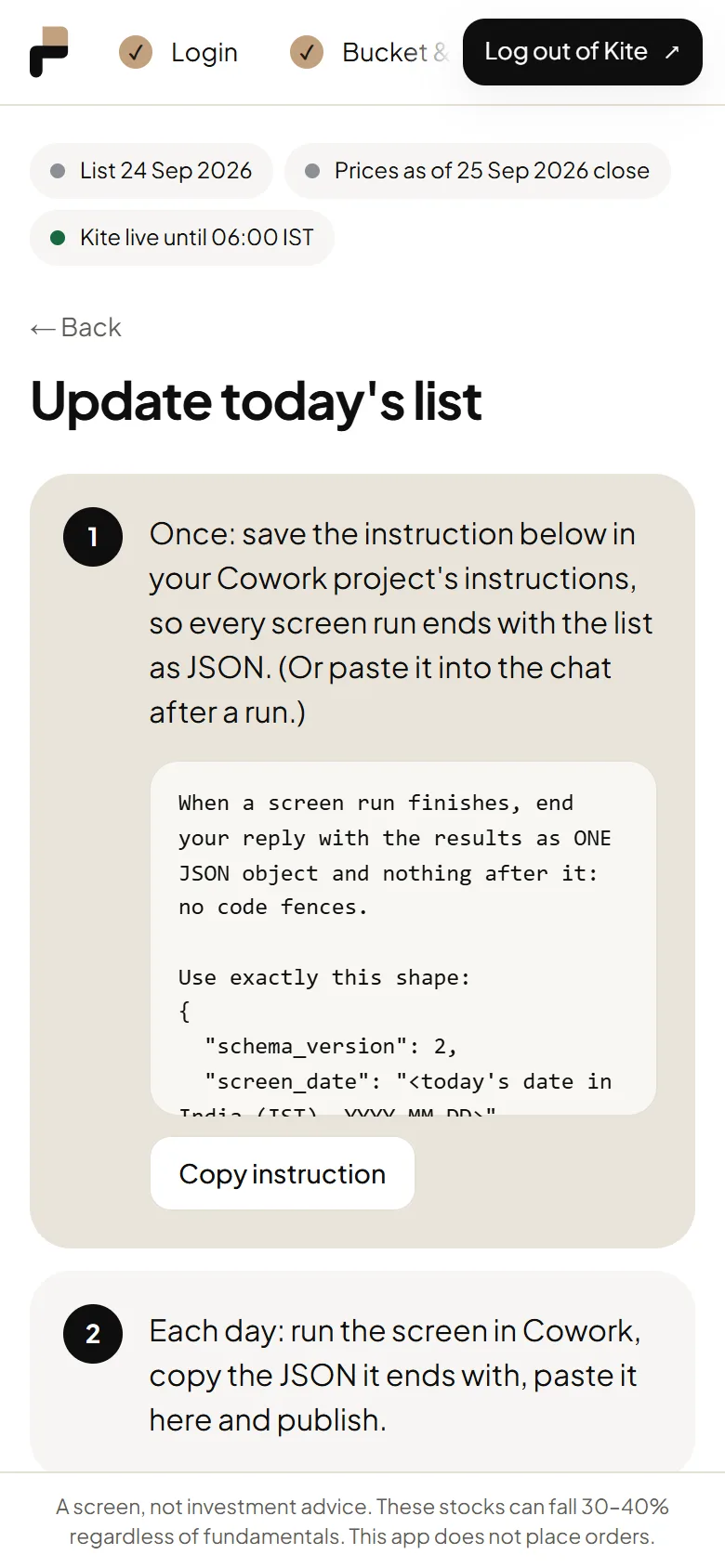
Update today's list
Publish each day's ranked list by pasting the JSON from Cowork. It is checked before it goes live.


